Side-by-side meaning
Read the original and your native-language translation in one view.
 SideNote
Open App
SideNote
Open App
Bilingual Reading
SideNote turns articles into relaxed comprehensible input: original text, native-language meaning, sentence audio, and saved reading history.
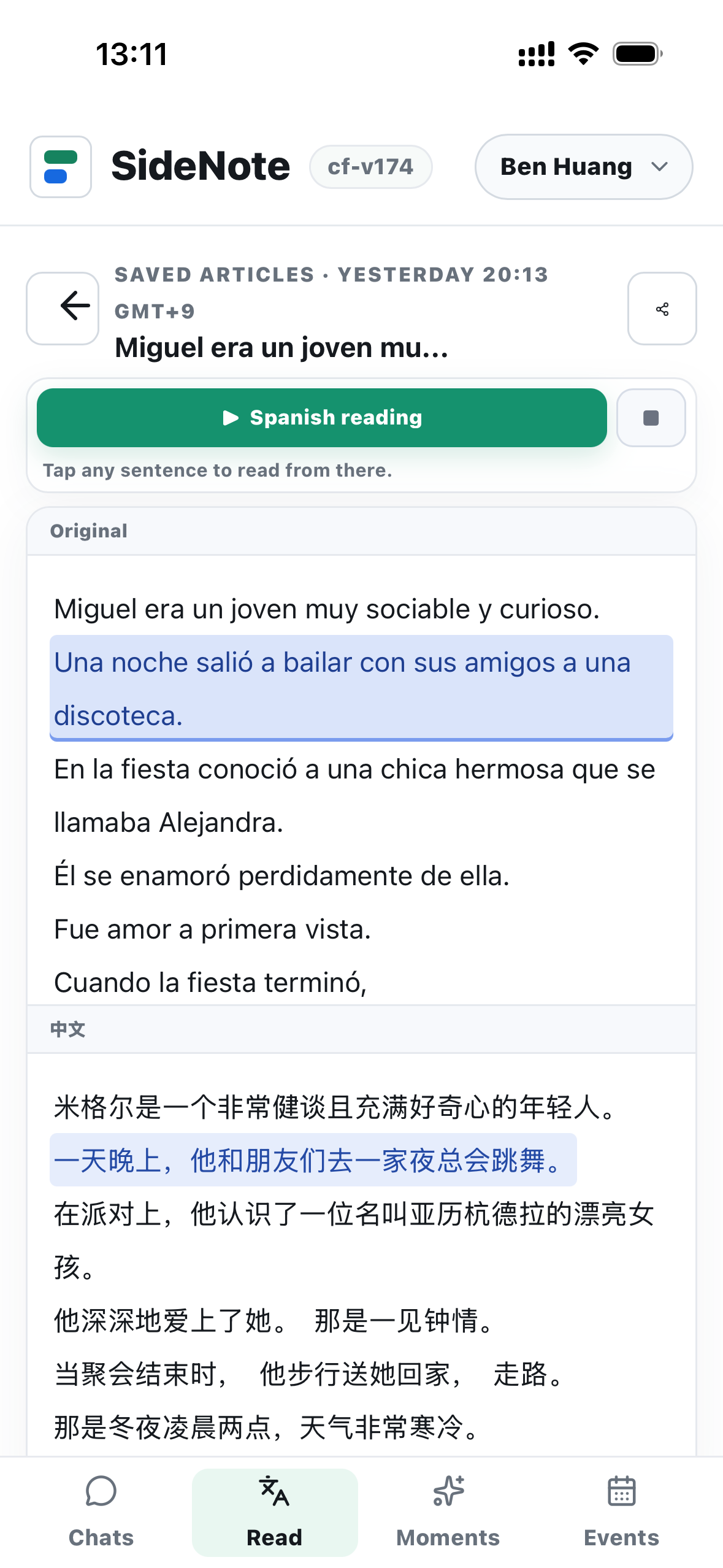
Instead of memorizing lists, you read real content with enough support to understand it. Tap a sentence to listen from that point, compare the translation, and come back tomorrow.
Read the original and your native-language translation in one view.
Listen from any sentence and follow the highlighted text.
Keep reading history and search older translations.
SideNote keeps the flow simple so learners can spend time reading, not configuring tools.
Use SideNote for English reading, Japanese reading, Korean reading, Spanish reading, Chinese reading, Cantonese reading, French, German, Italian, Portuguese, Dutch, Lao, Thai, Vietnamese, Indonesian, Turkish, Arabic, and Russian.
Read a few minutes a day with translation and audio beside the original.